Home
Your shop's to-do list: reviews to address, buyers waiting on a reply, and review requests to send.
Home is the first thing you see when you open the app. It checks your reviews, deliveries and conversations, and turns them into a short list of things worth doing today.
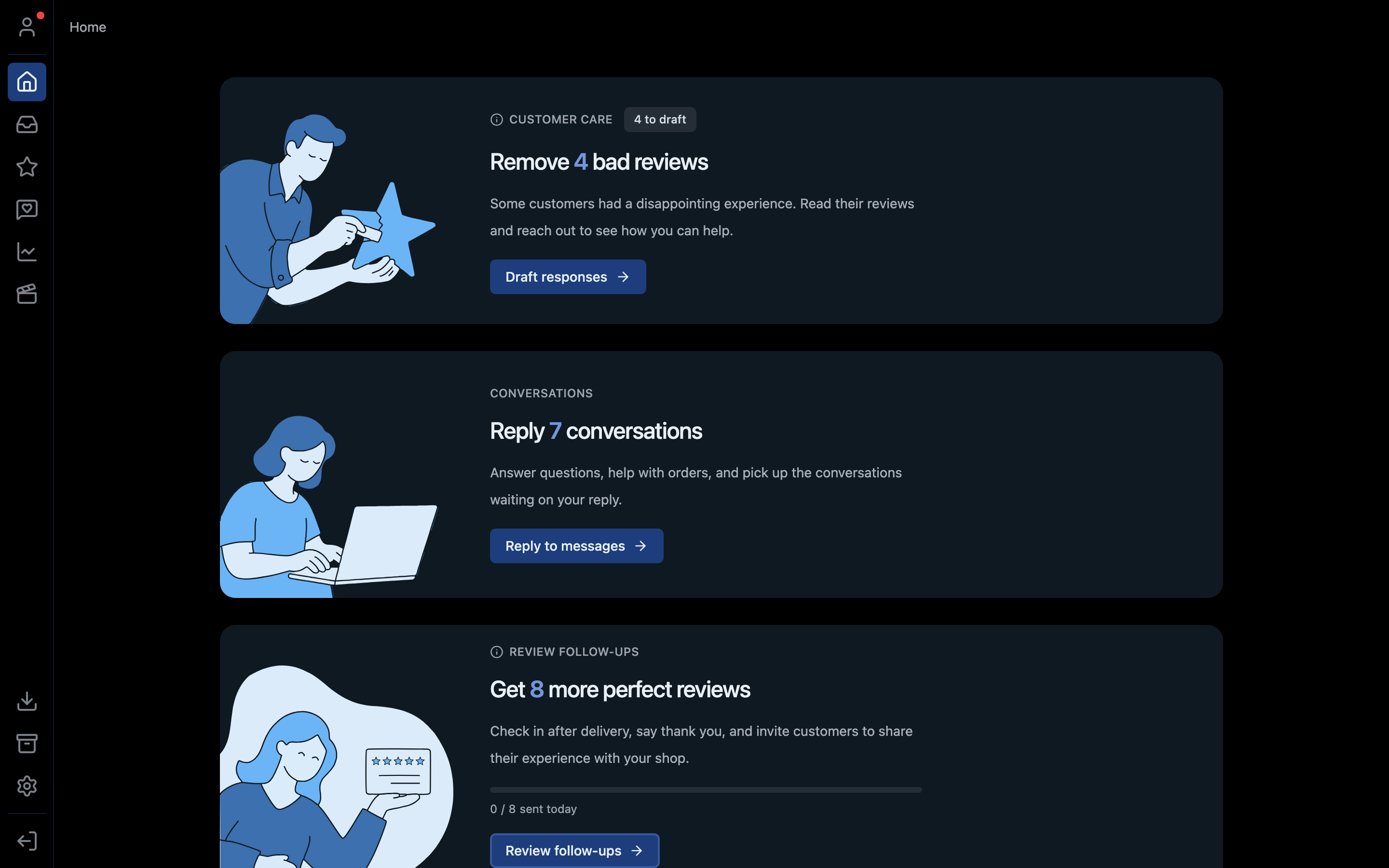
- 1Customer care: draft replies to reviews below 5 stars
- 2Conversations: buyers waiting on your reply
- 3Review follow-ups: how many review requests you've sent today
The three cards
| Card | What it counts | Button | Where it takes you |
|---|---|---|---|
| Customer care | Reviews below 5 stars that you haven't responded to yet | Draft responses | Address reviews |
| Conversations | Buyers waiting on your reply | Reply to messages | Inbox |
| Review follow-ups | Buyers whose order just arrived and who could leave you a review, with how many you've asked today | Review follow-ups | Request reviews |
When a card has nothing left to do it shrinks out of the way. When every card is done, the heading changes to "You're all caught up."
Refreshing
Home updates by itself. If you've just handled something on Whatnot directly, click Refresh overview to check again. If part of the page couldn't load, a Retry loading button appears. Everything else still shows.
Shortcut
⌘2 on Mac, Ctrl+2 on Windows.