Get started
Install HypeStream on your computer and connect your Whatnot account.
HypeStream is a desktop app. It runs on your Mac or Windows computer, connects to your Whatnot account, and keeps working in the background while you sell.
1. Download the app
Go to the downloads page on your computer and pick your system.
On your phone? Tap Send to my computer on any page and send yourself the link. The app can't be installed on a phone.
2. Open the file you downloaded
On Windows
- Open the downloaded file from your browser's downloads.
- If Windows shows "Windows protected your PC", click More info, then Run anyway.
- HypeStream opens by itself when it's installed.
On Mac (Apple Silicon, M1 or later)
- Open the downloaded file.
- Drag HypeStream into your Applications folder.
- Open it from Applications.
3. Log in to Whatnot
When the app opens it asks you to connect your Whatnot account.
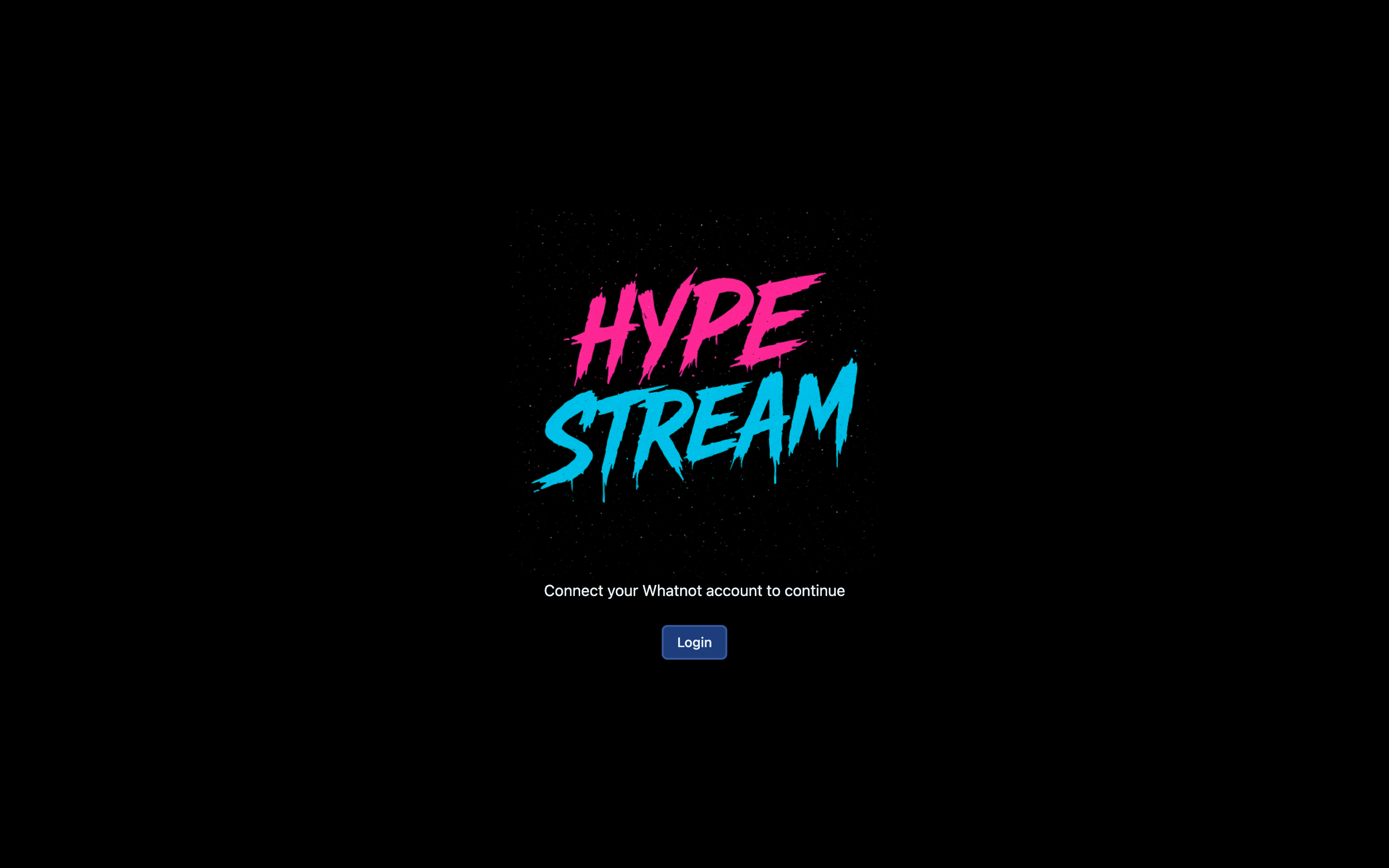
- 1Click Login and sign in to Whatnot
Click Login and sign in with the Whatnot account you sell from. The app then walks you through the rest of the setup.
Finding your way around
Everything in HypeStream lives in the bar down the left side of the window. It shows icons only. Hover over an icon to see its name. Each docs page here covers one icon:
| Icon | Tab | What it's for |
|---|---|---|
| Person | Multiple accounts | Run several Whatnot accounts and switch between them |
| House | Home | Your to-do list for the day |
| Inbox tray | Inbox & Archive | Answer buyers, handle refunds and returns |
| Star | Address reviews | Turn around reviews below 5 stars |
| Speech bubble with a heart | Request reviews | Ask happy buyers for a 5-star review |
| Line chart | Customer breakdown | See who your best and slipping buyers are |
| Clapperboard | Recordings | Watch back your shows and cut clips |
| Download arrow | Downloads | Find the clips you exported |
| Gear | Settings | Answers the AI should use, which shows to record |
Prefer the keyboard? Everything has a shortcut. See Keyboard shortcuts.
Stuck at any step? Email hypestream.io@gmail.com or call +1 (503) 404-3514.